Technology
Mitsubishi MELSEC PLC data collection: Q, iQ-R and FX series
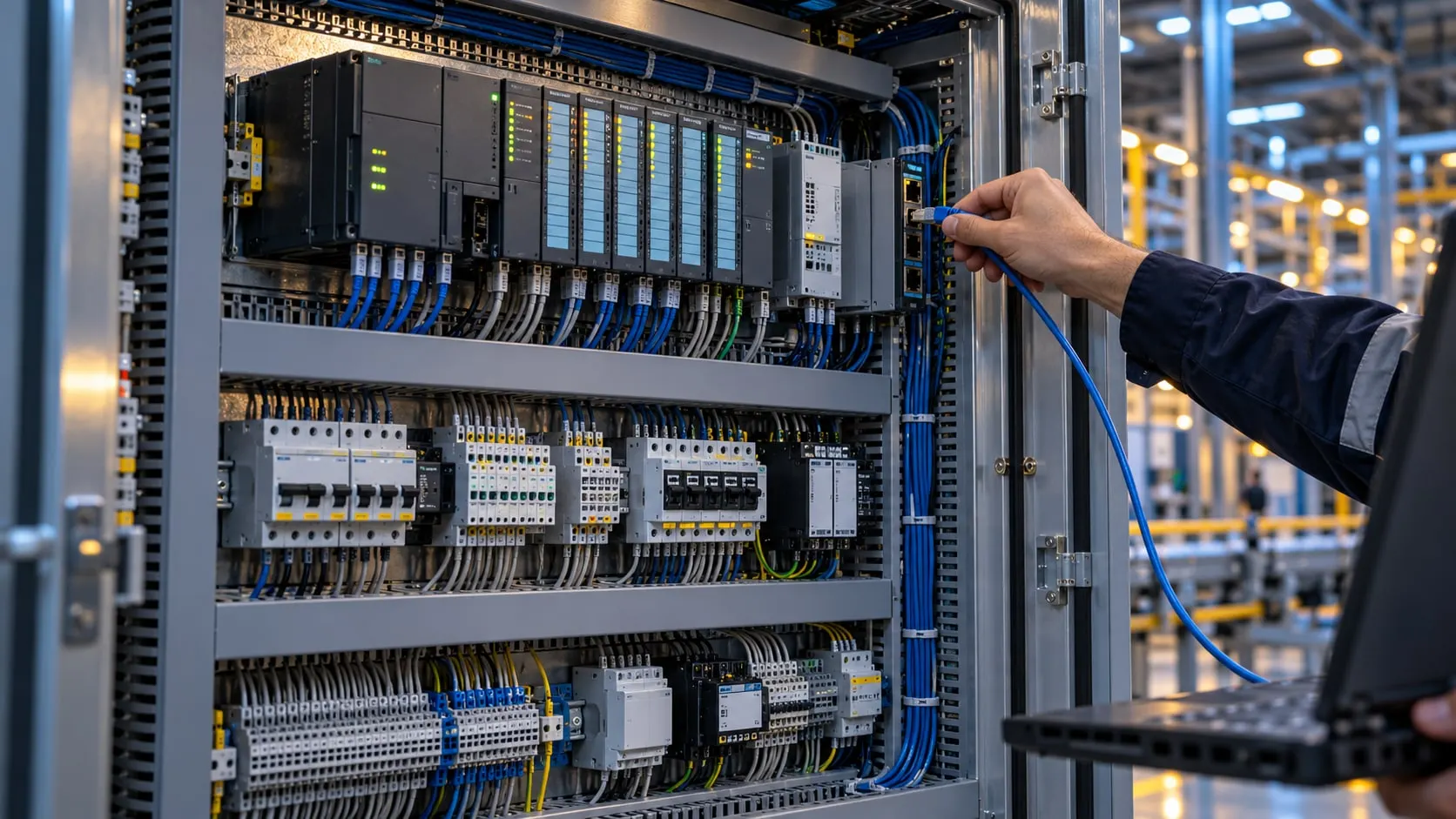
We read the D, M and X/Y device memory of your MELSEC PLCs over the MC protocol and connect it to your production systems.
Our clients
- Siemens

- Anadolu Isuzu

- BSH
- Tofaş

- Toyotetsu

- Martur

- Turkcell

- Vodafone

- Doğadan

- Pakmaya

- Bross

- Abdi İbrahim

- Nobel İlaç

- Plastimak

- Dalgıç Kalıp

- Barbaros Motor

- Magneti Marelli

- Rözmaş

- Sanel

Mitsubishi PLC data collection means reading a MELSEC controller's device memory (D registers, M relays, X/Y I/O) over Ethernet with the MC protocol. On the Q series, iQ-R and FX5 this is the standard route; Mitsubishi also calls it SLMP.
VOLSOFT does not program PLCs. An MC/SLMP connection has to be defined in the PLC parameters; the plant's automation team does this in GX Works and we hand over exactly what is needed. We then define the device addresses to read and commission the reading on Proxus.
Older Mitsubishi controllers are common on injection molding and packaging lines. There is a 1E-frame protocol for the A series, and for the FX series protocols that carry the serial link over TCP through a serial device server.
What we deliver
Mitsubishi PLC data collection
-
MC protocol
We read Q, iQ-R and FX5 PLCs with the binary or ASCII MC protocol, with a separate MC R variant for iQ-R. The port is the one opened in the PLC's connection settings.
-
Older series
A1E covers the A series; FX Links and FX Serial over TCP cover serial FX controllers, with the serial line carried over TCP by a serial device server.
-
Device addresses
D, W, R registers and M, X, Y, B bits are defined by device name. 32-bit and floating-point values are assembled from two registers in the right order.
-
PLC settings stay with automation
Opening the MC connection is a PLC parameter change. We specify it; the plant's automation team makes and approves it.
-
Read-only
By default we only read. If a write is needed, such as sending a recipe, the addresses and approval flow are designed separately.
How a project runs
From discovery to live, step by step
- 01
Series and module survey
For each machine we identify the PLC series, the Ethernet module or built-in port, and any serial-only older controllers.
- 02
Connection requirements
We send the port and parameters needed for the MC/SLMP connection to the automation team and plan the change together.
- 03
Address list
We find which D and M addresses hold counters, states and alarms, and list them with data types.
- 04
Commissioning
We start reading on a Proxus edge gateway, check values on the operator panel and connect them to OEE, downtime and reporting screens.
Built on Proxus
Proxus's Mitsubishi MELSEC driver covers MC, MC ASCII, MC R, A1E and the FX protocols in one place. It runs on the edge gateway, and a device profile built for one machine model applies directly to the next.
Proxus is the industrial data platform built by the VOLSOFT team.
Frequently asked questions
Common questions
How do you read data from a Mitsubishi PLC?
MELSEC PLCs are read over Ethernet with the MC (SLMP) protocol. An MC connection must be opened in the PLC parameters; reading then uses device addresses such as D, M, X and Y.
What is the MC protocol?
The MC protocol is Mitsubishi's protocol for accessing MELSEC device memory over Ethernet or serial. It has binary and ASCII forms and is widely used on the Q, iQ-R and FX5 series.
Can you read older FX PLCs?
Yes. Serial FX controllers are read with the FX Links or FX Serial protocol through a serial device server that carries the line over TCP. Proxus does not open serial ports directly.
Do you change the PLC program?
No. Opening the MC connection is a parameter setting; we specify it and the plant's automation team makes the change.
Related pages
Often looked at together
- Service Machine Data Collection Read-only production data collection from PLCs, CNCs and robots, with control logic left untouched. Explore →
- Solution Mold Monitoring Automatic shot counts, mold-to-machine tracking and shot-based mold maintenance. Explore →
- Solution Downtime Tracking Automatic stop detection, reason codes, Pareto analysis and MTBF/MTTR reporting. Explore →
- Industry Plastics and injection molding Cycle time, mold changes, scrap and OEE tracking across injection molding machines. Explore →
- Industry Automotive Data collection on press, welding and assembly lines, IATF 16949 traceability and OEE. Explore →

Next step
Let’s turn your goal into a clear engineering scope.
Tell us about your plant, your machines and your goal. An integration engineer will set up a discovery call with you.